Native on Mac and iPad
A real Mac app, not a stretched phone. Drag a link in, keep a list beside your browser, and it all syncs through iCloud.
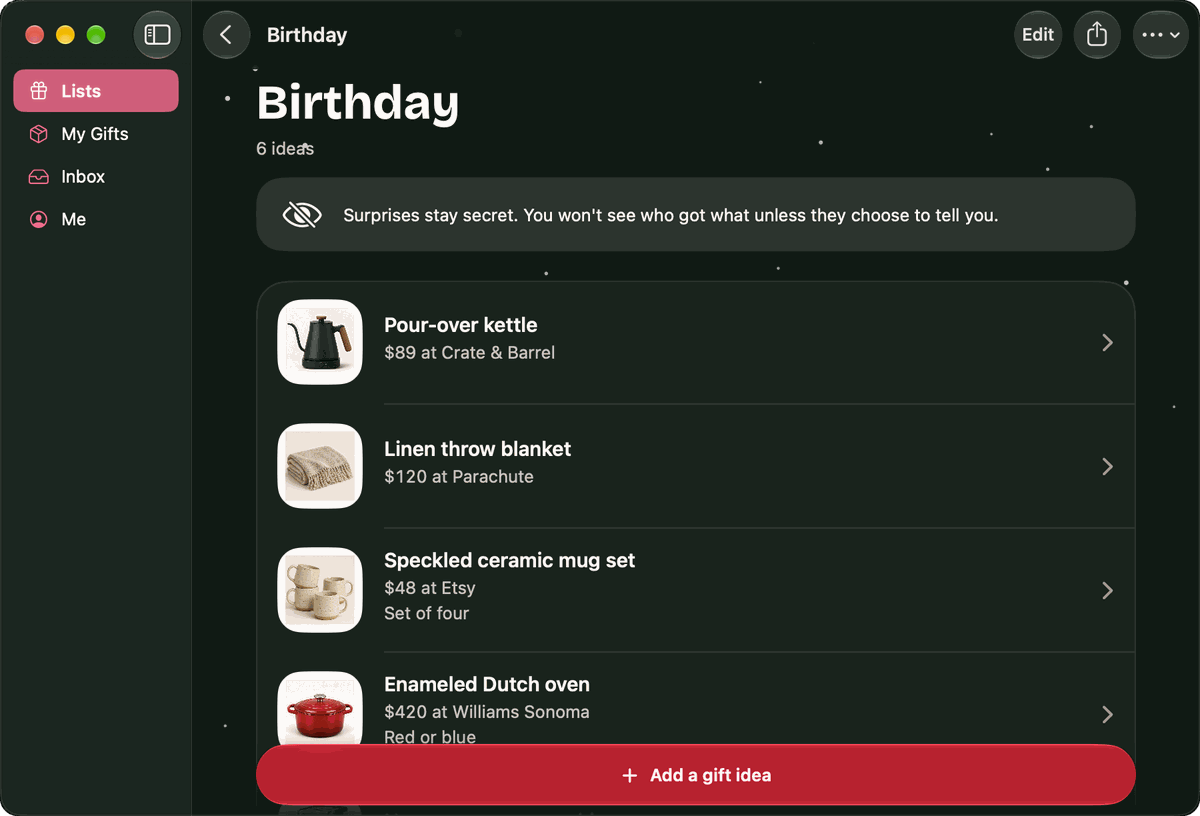

Save anything from any store. Share it with the people you love. They coordinate the gifts; you never see a thing.
Free · iPhone, iPad & Mac · No account needed
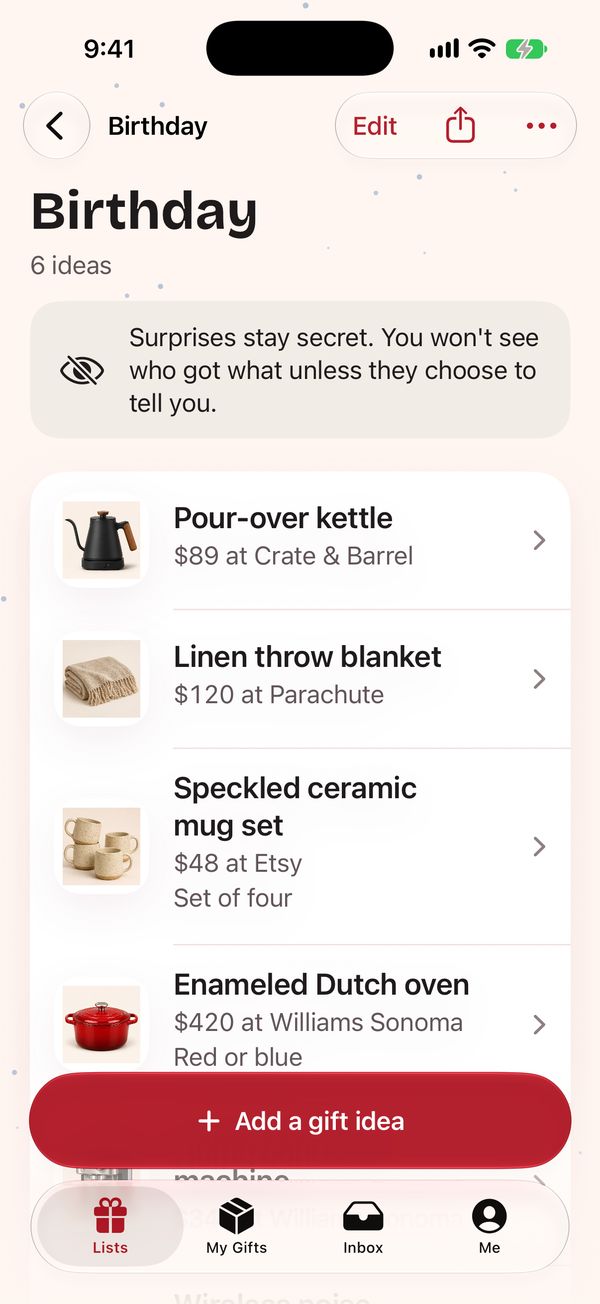
Maya claims the kettle. Alex’s screen doesn’t change.
We have no server that can read them.
No accounts, no ads, no trackers, and no third-party scripts on this page either. Your wishes go from your device to your iCloud to the people you invite, and nowhere else.
From the first idea to the gift you did not see coming.
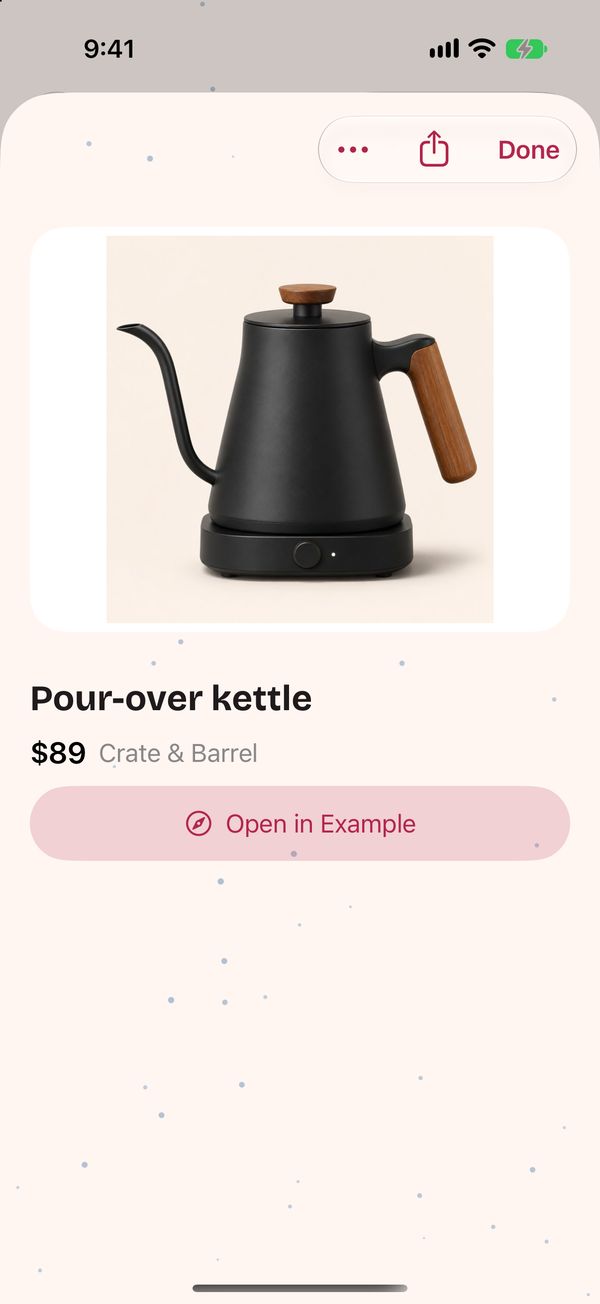
One tap in Safari or the share sheet grabs the title, picture and price from any store. No copying, no screenshots.

Send a link in Messages. Family joins with the Apple Account they already have. Nothing to sign up for.
Everyone else sees what is taken. You see nothing, so opening the gift is still a surprise.
Chip in3 friends
$60 of $89 pledgedOnly they see it
Big gift? Friends pledge an amount toward it and watch the bar fill. Only they can see it.
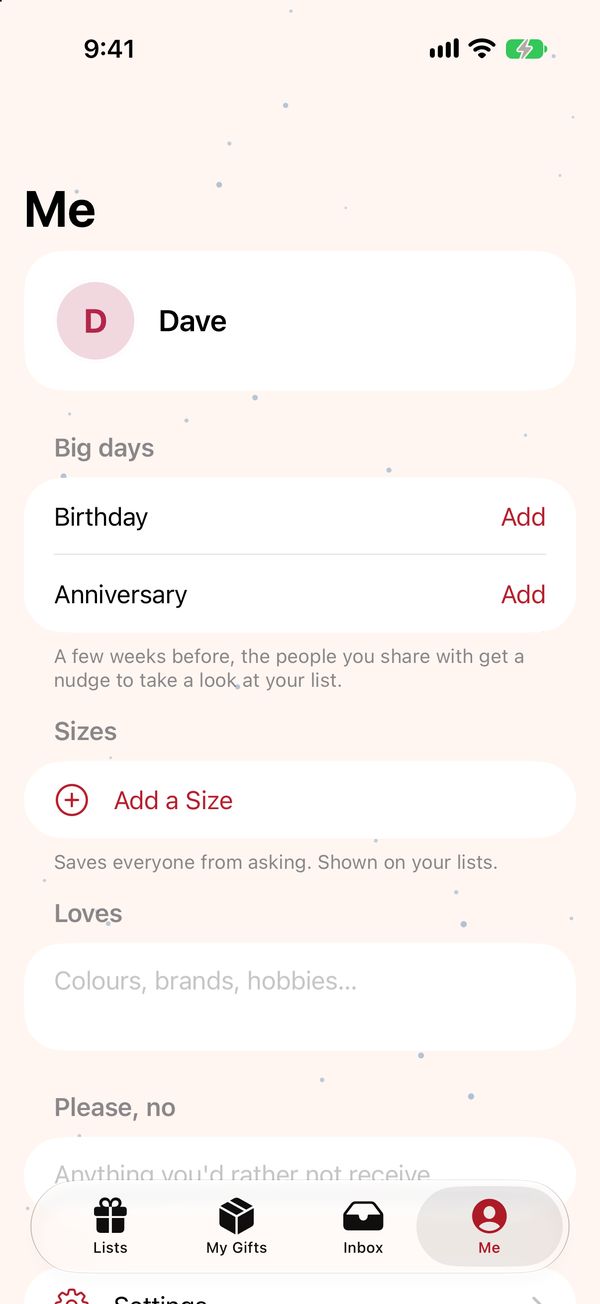
A few weeks before a birthday or anniversary, a gentle nudge to go and look at their list.
A real Mac app, not a stretched phone. Drag a link in, keep a list beside your browser, and it all syncs through iCloud.
Everything you have promised to buy, for everyone, in one place. Mark it bought and you are done.
Put it on your profile once, so nobody has to ask what you wear or what to avoid.
See your list from the Home Screen. Say “put it on my list” and it is saved without opening anything.

From the day after Thanksgiving to January 6th the app gets snow, pine and bells. The rest of the year it’s quiet paper and ribbon. Settings lets you choose Always, Never, or only at Christmas.
I’m Dave, and I make Put It On My List.
It is free. There is no account to create and nothing to pay. I have no server that can read your lists, so I could not read them if I wanted to.
If something is wrong, write to support@putitonmylist.app. It comes to me.
Dave